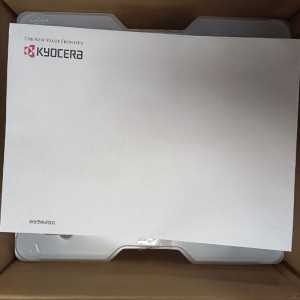
- ¡En oferta!
Banner

Referencia: XP12800071
Marca: Dimatix
Referencia: KOPPRHW-KYCR-0024
Marca: Kyocera
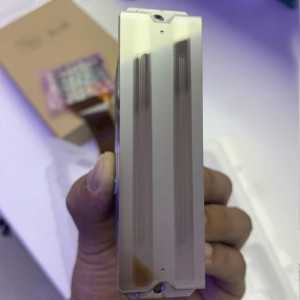
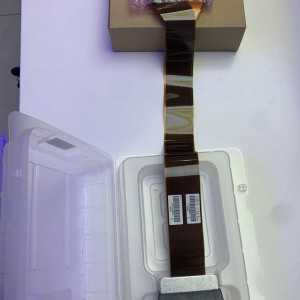
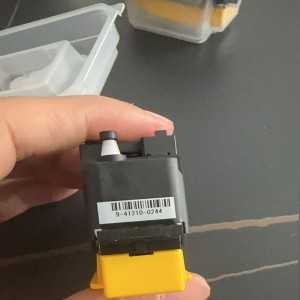
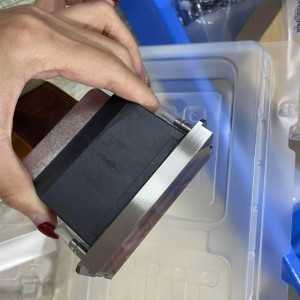
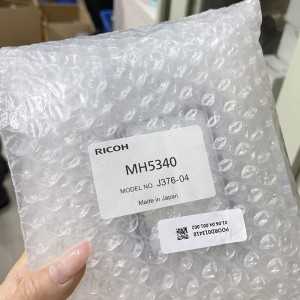
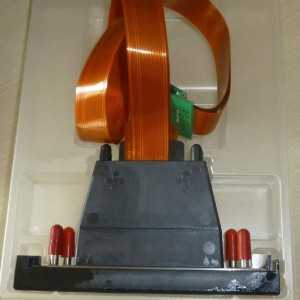
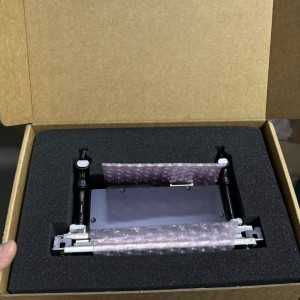
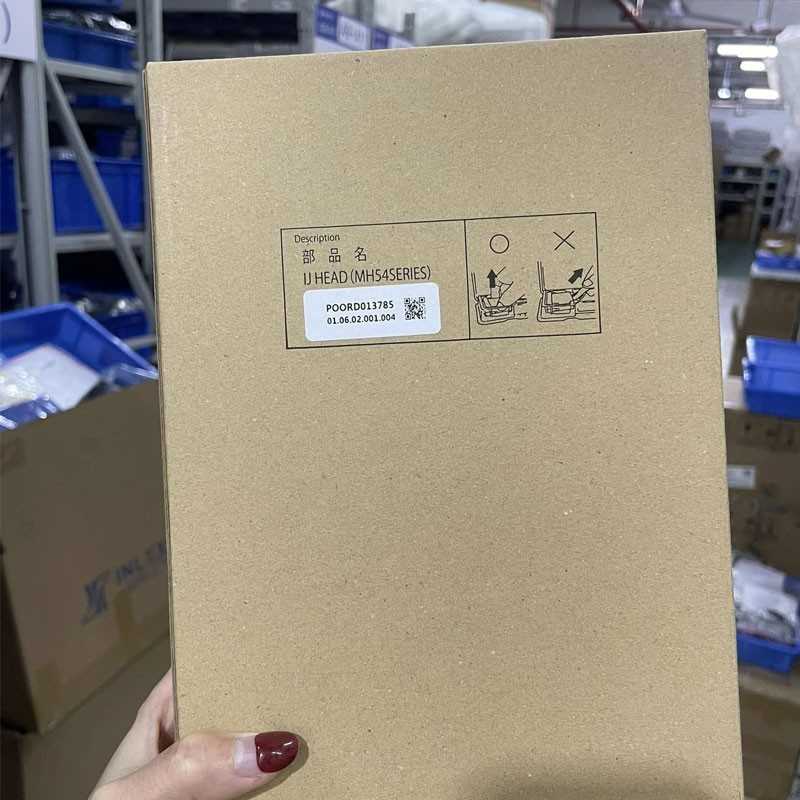
This item is an original Ricoh L5160 Printhead. All orders ship fast and products are backed by a 100% Satisfaction.
 Security policy
(edit with the Customer Reassurance module)
 Delivery policy
(edit with the Customer Reassurance module)
 Return policy
(edit with the Customer Reassurance module)
The Ricoh L5160 printhead is a piezoelectric printer head used in some consumer and mid-range inkjet printers for producing high-quality photos and graphics. It’s designed for multiple color channels and precise droplet control to achieve sharp images.
Lifespan and durability
Printhead life is typically measured in print hours or capped by usage (cartridge life, clog risk). Regular cleaning and using genuine or compatible media and inks can extend life.
Clogging and maintenance
If colors begin to misalign or streak, perform a printhead cleaning, alignment, and nozzle check from the printer software. Do not run excessive cleanings; they waste ink and can stress the head.
Cleaning tips
Use the printer’s built-in cleaning routine first. If persistent clogs occur, run a deeper head cleaning or use an ink-water mix if the service manual allows it. Avoid aggressive scrubbing or manually touching the head.
Replacement
Printheads are generally not sold as standalone consumer parts for all models. If the head is degraded beyond cleaning, you may need to replace the entire printhead assembly or the printer unit, depending on the model and vendor.
Compatibility
Ensure you’re using the correct ink type and cartridge family specified for your Ricoh printhead model. Using incompatible inks can cause clogging, bleed, or head damage.
Diagnosing issues
Symptoms like vertical white lines, missing colors, or color drift often point to a clogged nozzle, air in the line, or misalignment. Run nozzle checks, alignments, and perform test patterns to isolate the issue.
Firmware and software
Keep printer firmware up to date to ensure proper head calibration and communication between cartridges and the printhead. Some issues can be resolved by a firmware update.
Common error messages
“Nozzle check failed,” “Head misalignment,” or “Printhead error” typically indicate clogging or head damage. Follow the manufacturer’s troubleshooting steps for these messages.
Tips for print quality
Use high-quality media compatible with the head, maintain proper ink levels, and calibrate color profiles. Temperature and humidity can also affect nozzle performance.
Warranty
This printhead covered with manufacture warranty.
Printer compatibility
Illustrative scenario
If you notice faint horizontal bands across prints and a nozzle check shows multiple missing colors, start with a standard cleaning cycle, print a nozzle check, and then run a targeted cleaning on the color channels with the most missing nozzles. If results don’t improve after 2–3 cycles, inspect ink lines for air bubbles or consider professional maintenance or head replacement if supported by your model.

Referencia: KOPPRHW-RCH-0024
Marca: Ricoh
Referencia: KOPPRHW-RCH-0056
Marca: Ricoh
Referencia: KOPPRHW-RCH-0016
Marca: Ricoh
Referencia: KOPPRHW-RCH-0053
Marca: Ricoh
This item is an original Ricoh L5160 Printhead. All orders ship fast and products are backed by a 100% Satisfaction.
check_circle
check_circle