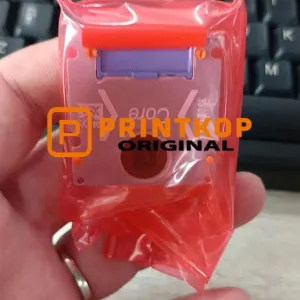
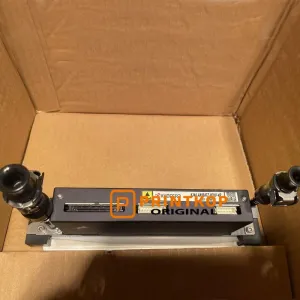
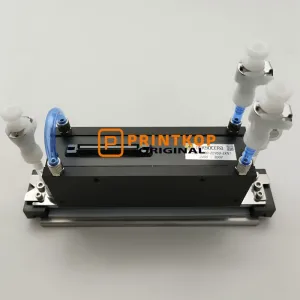
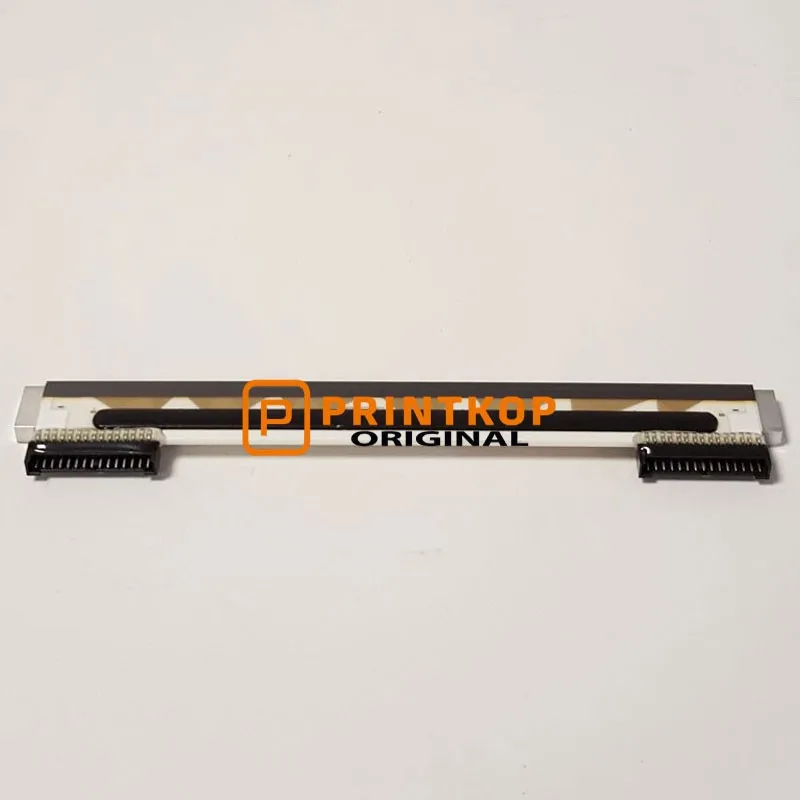
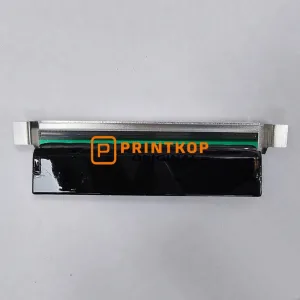
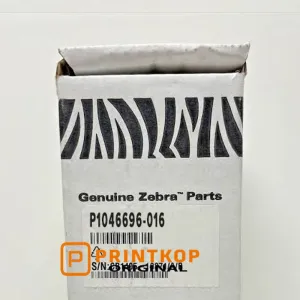
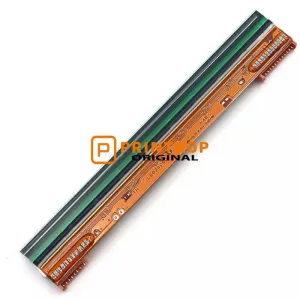
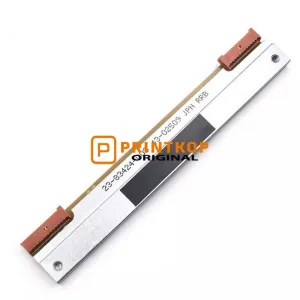
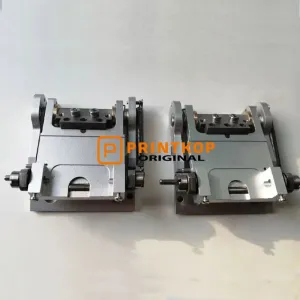
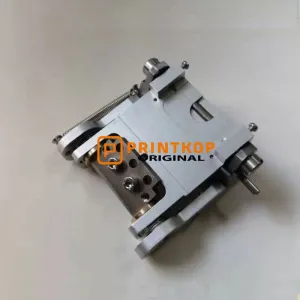
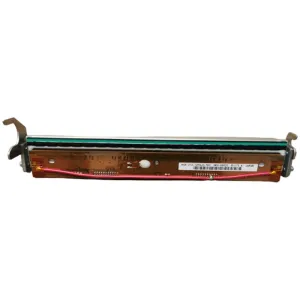
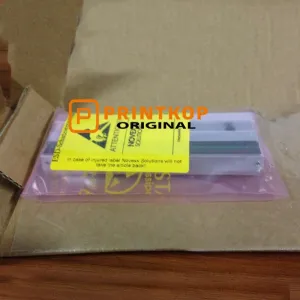
Professional-grade 203 dpi thermal printhead for Zebra desktop label printers. This G105910-053 printhead is designed for reliable, high-quality printing of barcodes, text, and graphics on direct thermal and thermal transfer media.
Ideal for replacing worn or damaged printheads in Zebra TLP2844, TLP2844-Z, TLP284Z, R2844-Z, R402, and related models to restore full print performance.
Key Features:
Resolution: 203 dpi (8 dots/mm) for crisp, clear label output.
Print Width: Supports up to ~4.09" (104 mm) printable width, matching TLP2844-class printers.
Compatibility: Officially matches Zebra TLP2844, TLP2844-Z, TLP284Z, R2844-Z, R402; also compatible with GC420T/GC420D series in many configurations.
Durability: Designed for high-volume use with abrasive life around 100 km and thermal life up to 100 million pulses (typical for this class of printhead).
Consistent Performance: Uniform resistance and heating characteristics for stable print density and barcode quality over long runs.
OEM Specification: Built to Zebra’s original printhead standards for reliable installation and performance.
Printing Modes: Direct Thermal & Thermal Transfer (where printer supports)
Operating Temperature: Standard office/industrial environment (as per Zebra TLP2844-class printers)
Life Expectancy:
Abrasive life: ~100 km
Thermal life: ~100 million pulses
Resistance consistency: up to 330,000 inches (typical).
Compatible Zebra Printer Models:
This printhead is designed for use with:
Zebra TLP2844
Zebra TLP2844-Z
Zebra TLP284Z
Zebra R2844-Z
Zebra R402
Zebra GC420T / GC420D (where printhead type matches).
Always confirm your exact printer model and current printhead part number before purchase. If unsure, message us with your printer model and we’ll confirm compatibility.
What’s Included:
1 x Zebra-style 203 dpi printhead (G105910-053 model)
No additional tools or accessories unless specified in the listing options.
Installation Notes:
Replace the printhead only when the printer is powered off and unplugged.
Follow your printer’s manual for printhead removal and insertion steps (open/print head latch, release arms, disconnect harness, swap printhead, reconnect, and close).
After installation, run a printer self-test or label test to verify print quality and density settings.
For best results, clean the new printhead gently with a recommended printhead cleaner before first use.
Why Buy This Printhead:
Restores full print quality to worn or damaged Zebra label printers.
Cost-effective alternative to sending the printer for service or buying a new unit.
Suitable for high-volume barcode, shipping label, and inventory label applications.
Reliable, consistent performance for professional environments.
Condition:
New, unused printhead (unless listed as “used” or “refurbished” in your specific listing options).
Sold as a replacement component; not a full printer.
Shipping & Warranty:
Fast packing and shipping (details to be set in your eBay shipping options).